

Visualize and Document Your Full Color System
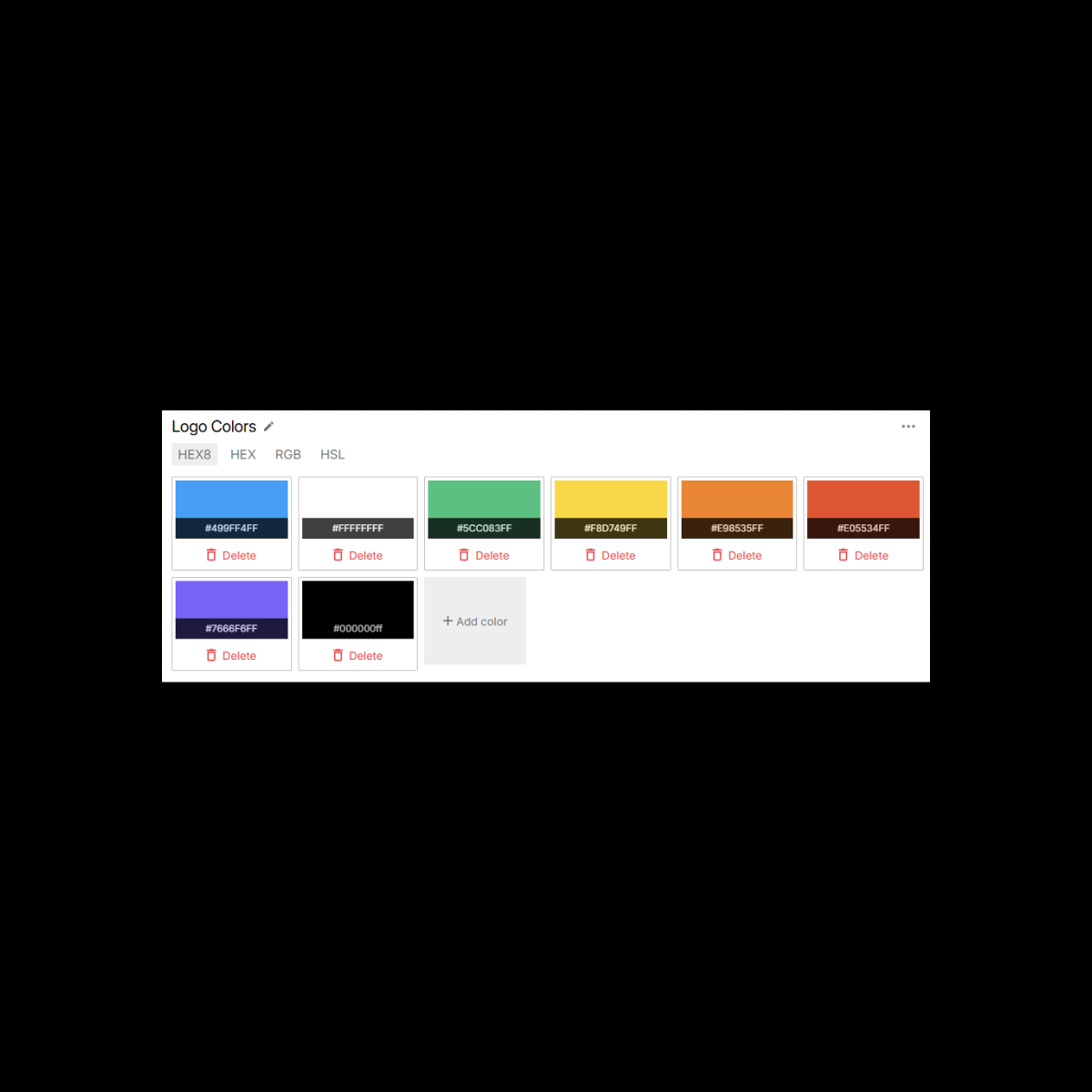
UI Vault seamlessly imports color styles from Figma, converting them into organized, interactive color blocks with full metadata. Whether you’re documenting brand palettes, semantic tokens, or system-level neutrals, every color is captured with its HEX, RGB, HSL, and usage context. Collections are automatically grouped and categorized to reflect your naming conventions, token hierarchy, and branding tiers—ensuring clarity and consistency across your entire design system.
The Benefits
Unlock the full benefits of this feature.
01
Figma-Linked Color Sync
Automatically pull color styles from your Figma file—brand, UI, state, semantic, and utility tokens—keeping everything updated and consistent.
02
Structured Palettes & Token Mapping
Colors are displayed in visual blocks, grouped by intent or collection, and labeled with token names, values, and contextual usage.
03
Multi-Format Code Display
Each color block includes HEX, RGB, and HSL values, with optional SCSS or Tailwind variables, making handoff to development seamless.
The Impact
A Living Source of Truth for Your Color System
With UI Vault’s Color Components, your design system stays vibrant, accurate, and developer-ready—powered by real-time syncing with your Figma color tokens and naming conventions.
Common Use Cases
Designers
Maintain structured, accessible color documentation that reflects your design language and brand hierarchy—without manual setup.
Developers
Access precise color specs and tokens in developer-friendly formats with accurate, synced values—no guesswork needed.
Product Managers
Ensure your color system aligns across platforms by visually referencing brand consistency with well-labeled palettes.
Enterprises
Organize colors by brand, theme, or accessibility level, and ensure centralized control over all brand-related color systems.
Why UI Vault?
UI Vault’s Color Components offer a complete, dynamic view of your color system—automated, organized, and implementation-ready.
Automatic Figma Color Sync
Your color styles are synced directly from Figma and organized by category—brand, UI, and utility—without manual input.
Developer-Ready Tokens
Color Grouping by Intent
Automatically categorize colors by naming conventions, such as primary/500, success/light, or text/disabled.
Supports Light & Dark Modes
UI Vault intelligently groups and displays color variants across light, dark, or custom themes, enabling full visual system documentation.