Flexible, Clean, and Developer-Friendly Documentation
The Markdown Text Block in UI Vault gives you the power to write and format content using familiar, lightweight markdown syntax. Perfect for documenting usage guidelines, accessibility notes, design decisions, or developer instructions, Markdown blocks allow teams to structure information beautifully without any clunky editors. It’s fast, clean, and ideal for technical and design-minded users alike.
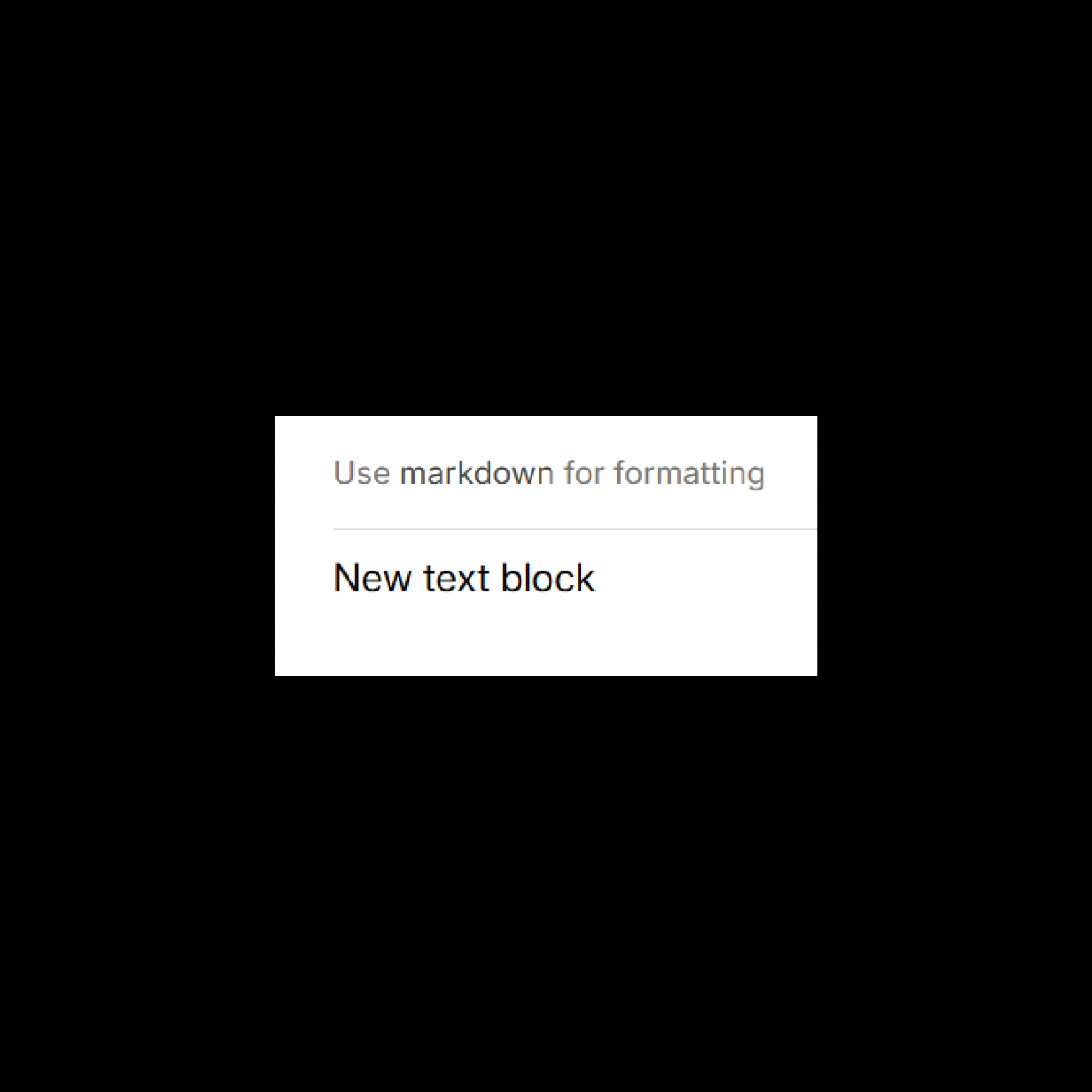
Write with Markdown Simplicity
Use #, *, [](), and other Markdown conventions to create headers, lists, links, code snippets, and inline formatting, all without breaking flow.
Developer & Designer Friendly
Markdown is the universal writing format trusted by both technical and creative teams, making collaboration smooth and low-friction.
Embed Anywhere in the Guide
Insert Markdown blocks between components, collections, and visuals to provide deeper explanation or structured commentary.
Documentation That’s Fast, Structured, and Human-Readable
Markdown Text Blocks give you the power to write clear, elegant documentation at scale, no messy rich text editors, no bloated formatting.
How teams use it
Brands
Add descriptions, notes, and context for brand assets like logos, color palettes, or typography to ensure clear usage.
Agencies
Document project guidelines or provide detailed instructions for clients using clean, structured Markdown formatting.
Marketing teams
Create campaign briefs, visual descriptions, and annotations alongside assets for clear communication.
Enterprises
Standardize how documentation is written across teams with Markdown as a common, trusted format that scales.
Designers
Document design decisions, naming logic, or component usage directly inside your guide, without disrupting visual layout.
Developers
Add implementation notes, code examples, or version caveats in a format you already use every day.
Product managers
Add product context, feature notes, or contributor guidance with clear formatting and direct links to supporting material.
Why UI Vault
Brandy’s Markdown Text Block makes it effortless to add structured, rich content alongside your brand assets, creating a unified space for descriptions, guidelines, and more. With the power of Markdown, you can ensure all your content is clean, well-formatted, and professional, featuring headings, lists, tables, and links. Ideal for teams and stakeholders, it streamlines collaboration, enhances efficiency, and helps maintain consistency in documenting and communicating your brand’s vision and standards across every project.
Easy-to-Use Markdown Syntax
Easily create formatted text, tables, links, and more with simple Markdown syntax for clean, professional documentation. Create visually appealing, structured content with headings, bullet points, and embedded links, all while maintaining consistency and clarity. Perfect for teams looking to streamline workflows, collaborate effectively, and present polished, organized information without complexity.
Provide Context for Assets
Explain usage rules, provide detailed notes, or add clear instructions seamlessly alongside logos, visuals, and brand guidelines. Enhance your documentation by combining text and imagery to offer comprehensive guidance, ensuring teams and stakeholders understand and adhere to brand standards. Perfect for maintaining consistency and clarity in every aspect of your brand’s identity.
Rich Text Capabilities
Create structured and formatted content effortlessly, including lists, headings, quotes, and code snippets, to document guidelines with a professional touch. Perfect for crafting clear, organized, and visually appealing documentation that enhances team collaboration and ensures consistent communication across projects.
Perfect for Guidelines and Documentation
Effortlessly combine visuals and rich content to create clean, professional documentation that aligns teams and engages stakeholders. Streamline collaboration with a seamless integration of text, imagery, and formatting, ensuring your documentation is both impactful and easy to navigate.