

Enhance Your Design System with Smart Metadata
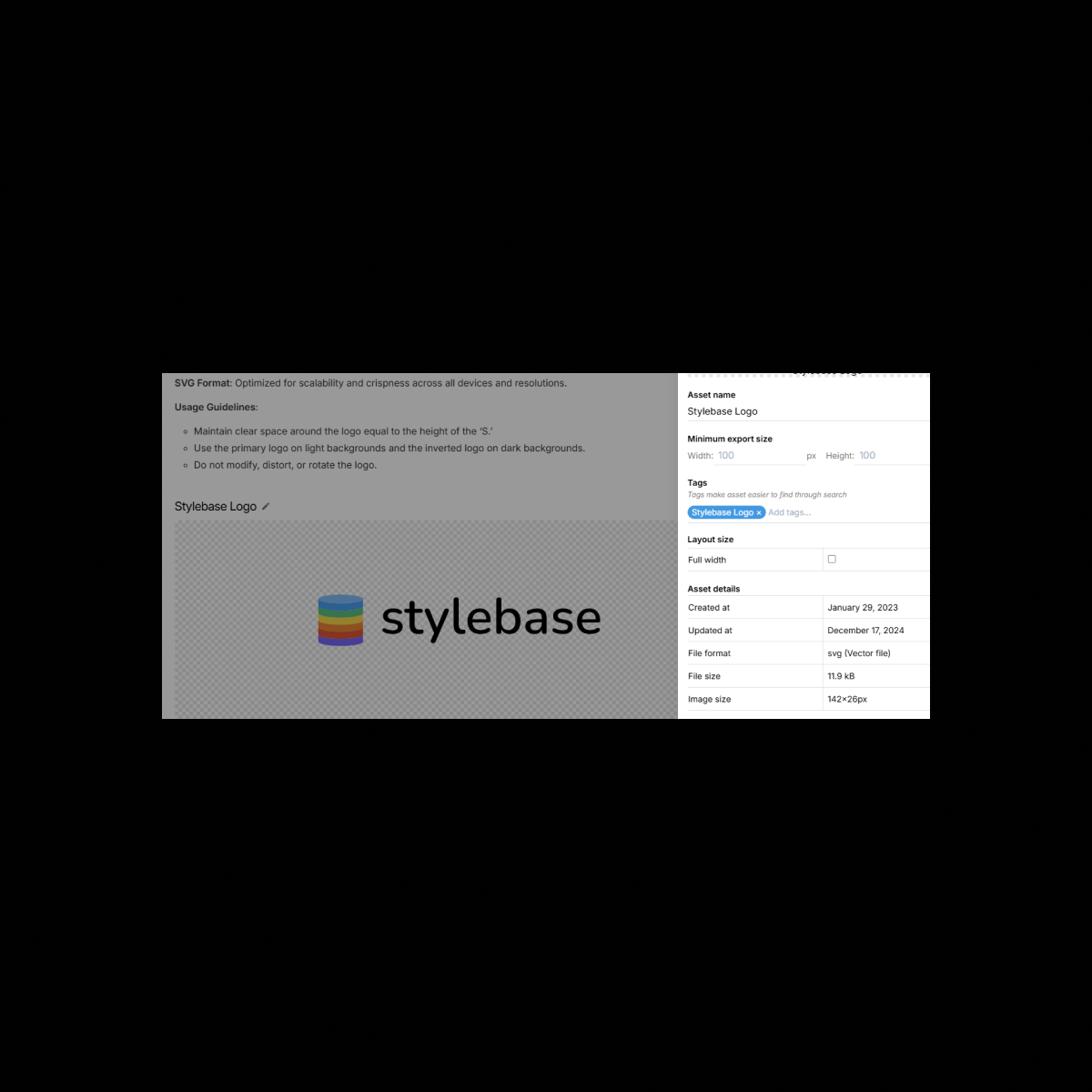
Bring structure and searchability to your design system with Metadata in UI Vault. Assign custom metadata tags to Figma components, styles, and assets to improve organization, discoverability, and filtering. Whether it’s defining usage rules, adding version notes, or categorizing design elements, metadata ensures your entire team can quickly find and understand every component in your style guide.
The Benefits
Unlock the full benefits of this feature.
01
Advanced Tagging & Categorization
Organize your design tokens, components, and assets with custom metadata fields. Apply categories, tags, and versioning details to streamline your workflow.
02
Powerful Search & Filtering
Quickly locate specific colors, typography styles, or UI components using metadata-based search and filtering tools. No more wasted time digging through design files.
03
Improved Documentation & Clarity
Add descriptions, notes, and usage guidelines to every element in your design system, ensuring that developers and designers understand when and how to use components correctly.
The Impact
A Smarter, More Searchable Design System
Metadata transforms UI Vault into an intelligent design documentation hub, making it easy to organize, search, and retrieve design assets efficiently.
Common Use Cases
Designers
Tag and document your Figma components, colors, and typography with metadata, ensuring consistency and quick access.
Developers
Retrieve the right design tokens with metadata-powered search, eliminating guesswork and ensuring pixel-perfect implementation.
Product Managers
Keep track of design system versions and component status with metadata fields that document releases and updates.
Enterprises
Ensure scalability and standardization across large design teams by enforcing metadata-driven categorization and filtering.
Why UI Vault?
UI Vault’s Metadata feature adds an extra layer of structure and intelligence to your design system, making it more organized, accessible, and efficient.
Custom Metadata Fields
Define custom metadata fields to label and categorize your components, styles, and assets however your team needs.
Full-Text Search for Faster Access
Versioning & Status Labels
Track changes with metadata fields for versions, approvals, and update statuses, ensuring clarity across your design system.
Integrated Directly with Figma
Metadata syncs with your Figma components and styles, keeping your design system documentation dynamic and always up to date.