

Tag, Categorize, and Organize Your Components
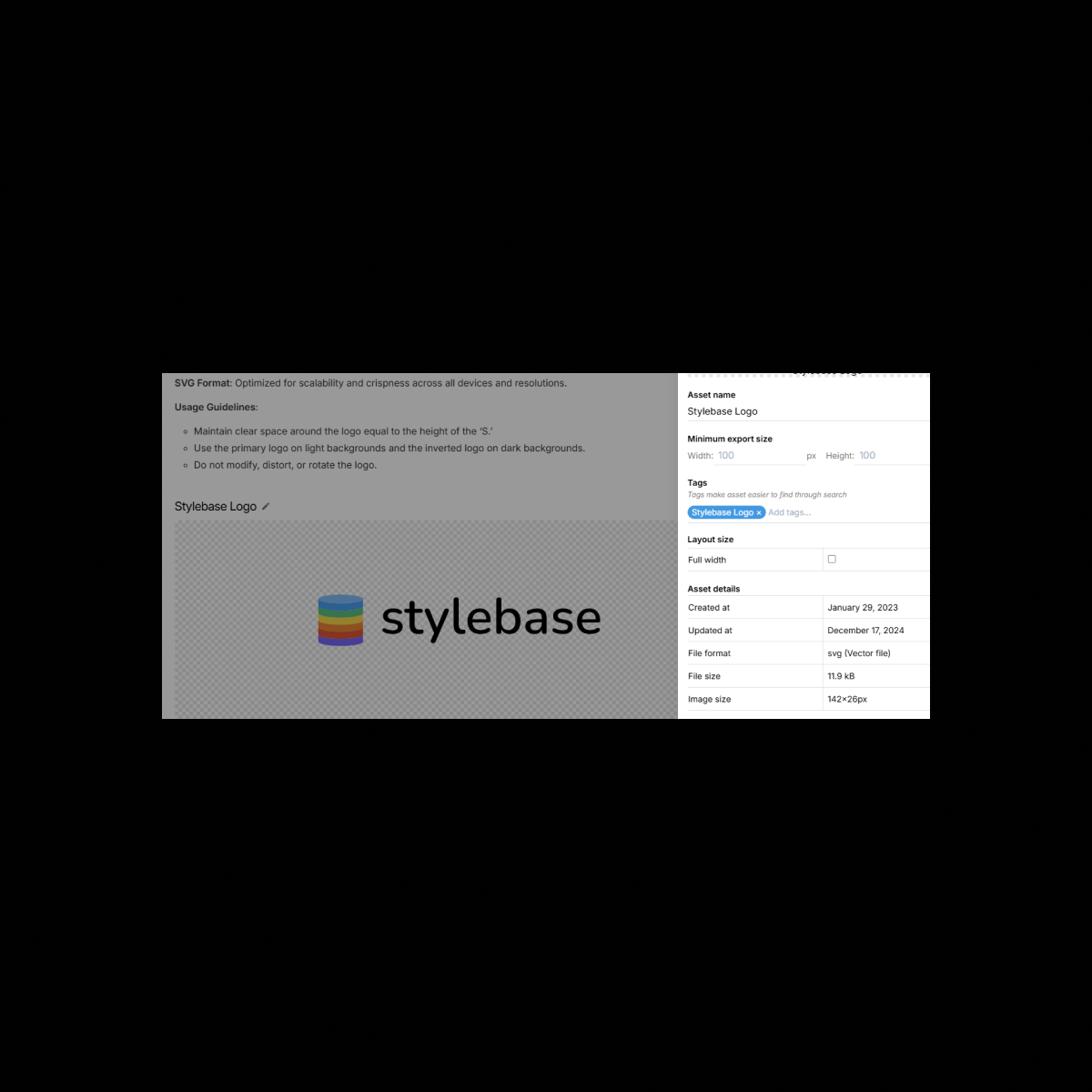
Take control of your Figma components, design tokens, and UI elements with Component Tagging in UI Vault. Assign custom tags to organize buttons, icons, typography, colors, and more, making it easier than ever to search, filter, and maintain a structured design system. Whether managing a small design library or an enterprise-scale system, tagging ensures every element stays organized and easy to find.
The Benefits
Unlock the full benefits of this feature.
01
Custom Tags for Every Design Element
Apply customizable tags to buttons, icons, typography, colors, and layouts, making it effortless to locate and manage components.
02
Advanced Search & Filtering
Quickly filter by tag, category, or design token to find the exact asset you need—no more endless scrolling through design files.
03
Improved Design System Organization
Keep your Figma components and UI elements neatly structured with consistent naming conventions, grouped categories, and intuitive tagging.
The Impact
A Smarter, More Accessible Design System
With Component Tagging, UI Vault transforms your Figma-based design system into a fully structured, easily navigable, and organized repository, ensuring faster workflows and improved collaboration.
Common Use Cases
Designers
Categorize and tag components, typography, and colors for quick access and efficient documentation management.
Developers
Retrieve design tokens and UI components instantly using searchable, structured tags to ensure accurate front-end implementation.
Product Managers
Maintain clear organization across design guidelines, ensuring alignment between teams and consistent product visuals.
Enterprises
Standardize tagging conventions across multiple teams and departments, keeping large-scale design systems organized and scalable.
Why UI Vault?
UI Vault’s Component Tagging feature ensures your design system remains structured, searchable, and scalable, helping teams save time and maintain consistency.
Customizable Tags & Categories
Create and assign custom tags to categorize components, icons, buttons, typography, and more.
Powerful Search & Filtering
Seamless Figma Integration
Tag components directly from synced Figma files, keeping design documentation dynamic and up to date.
Scalable for Growing Design Systems
Whether managing a few dozen or thousands of components, UI Vault ensures consistent organization at any scale.