

Import and Preview Over 30 File Formats Seamlessly
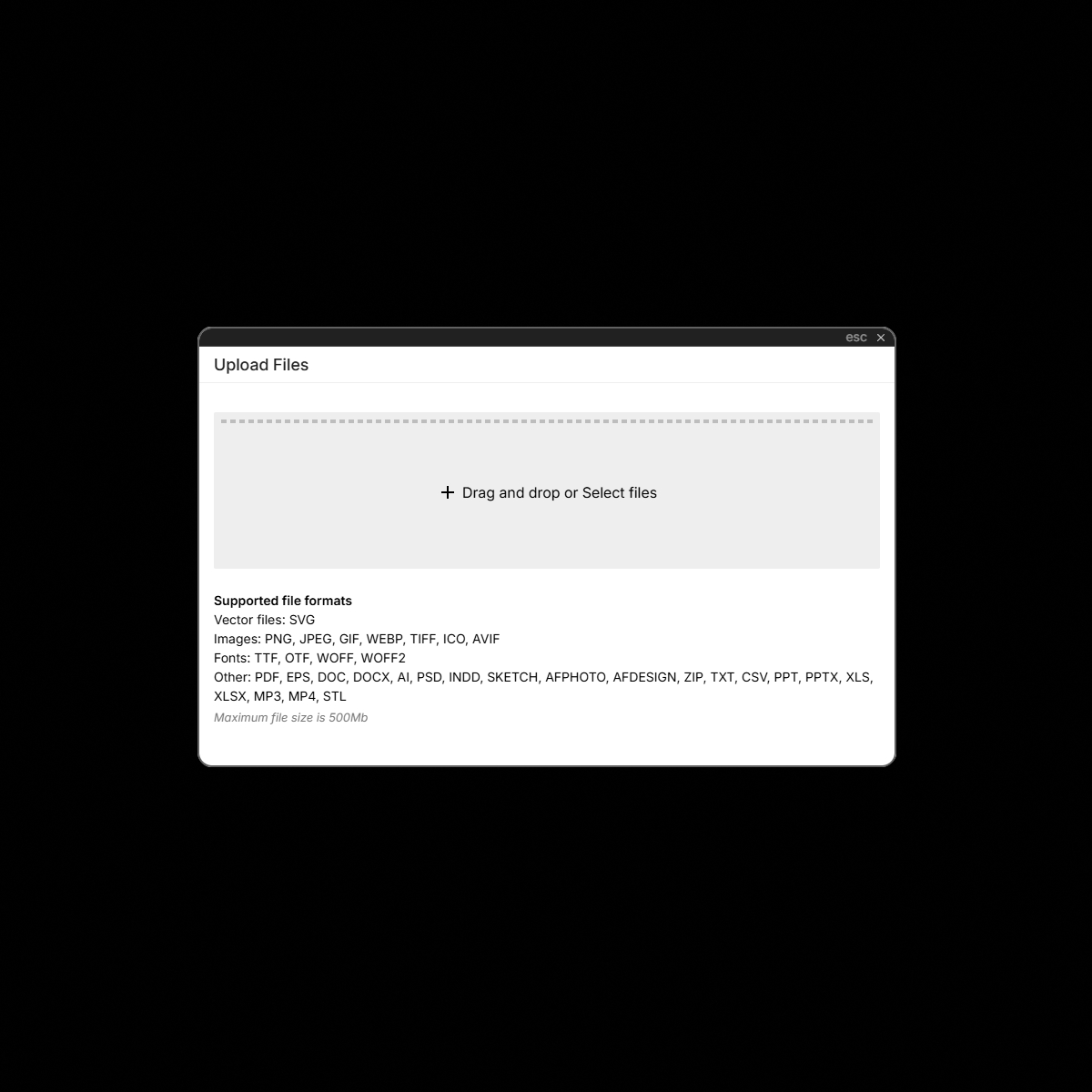
UI Vault is built to handle the diverse nature of modern design work. With support for 30+ file formats, including design assets, documents, vector files, images, and typography formats, you can upload and preview nearly anything your design system depends on. Whether you’re working in Figma, Sketch, Adobe XD, Illustrator, SVG, PNG, WEBP, TTF, OTF, or beyond—UI Vault ensures your assets are always viewable, organized, and ready for use.
The Benefits
Unlock the full benefits of this feature.
01
Universal Compatibility
Upload files in all the formats your team uses—UI Vault supports design files, fonts, images, vector graphics, documentation files, and developer assets, ensuring nothing gets left out.
02
Instant Previews & Thumbnails
No more blind uploads—UI Vault automatically generates thumbnails and previews so you can see your assets before using or sharing them.
03
Streamlined Asset Management
Store, tag, and organize all your files—no matter the format—within structured collections and style guides. Maintain clarity and consistency across your design system.
The Impact
Design System Flexibility Without Limits
With support for 30+ file types, UI Vault ensures that every part of your design and development workflow is accounted for, from vector assets to typography and beyond. No more jumping between tools or unsupported uploads—everything lives in one powerful, accessible hub.
Common Use Cases
Designers
Easily upload and preview design files from Figma, Adobe XD, Sketch, Illustrator, Photoshop, and more—all in one place.
Developers
Access exported assets in formats like SVG, PNG, PDF, JSON, and web-optimized formats, ready for implementation.
Product Managers
Store and manage high-res logos, brand videos, typography files, and campaign imagery without worrying about compatibility.
Enterprises
Unify diverse file types across global teams, ensuring seamless collaboration and access across departments and time zones.
Why UI Vault?
UI Vault’s robust file compatibility ensures that every creative and technical asset your team works with is supported, searchable, and shareable—without compromise.
30+ Supported Formats
From AI, PSD, EPS, and SVG to TTF, OTF, PDF, and MP4, upload a wide array of files directly into your design system hub.
Preview Without Opening
Standardized Across Teams
Ensure all teams—design, marketing, dev, and product—can access and work with the same files, no matter their preferred tools.
Future-Proof Infrastructure
As formats evolve, so does UI Vault. New file types are added regularly to keep your design system agile and forward-compatible.