

Bring External Content to Life with Link Previews
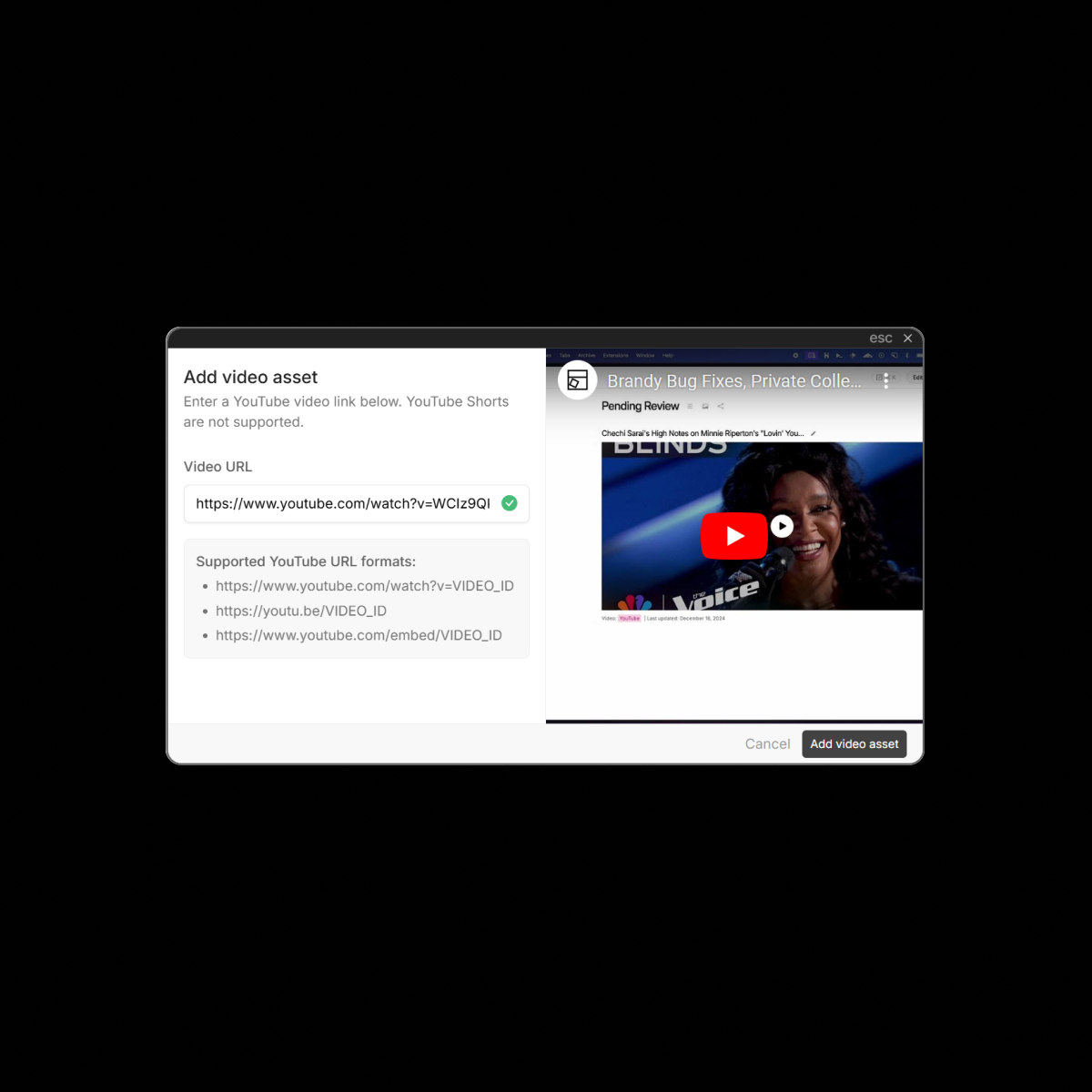
UI Vault’s Embedded Link Previews transform plain URLs into rich, visual cards directly inside your style guide. When you paste links from Figma, Loom, YouTube, Notion, GitHub, Google Docs, or other 3rd-party tools, they automatically render as live previews—complete with titles, thumbnails, and metadata. This creates a more dynamic, connected documentation experience where external tools feel native to your system.
The Benefits
Unlock the full benefits of this feature.
01
Instant Visual Context
Instead of showing raw URLs, embedded links display titles, favicons, preview images, and descriptions, giving viewers confidence and clarity.
02
Frictionless Embeds for Popular Tools
UI Vault automatically supports rich previews for tools like Figma, Loom, YouTube, Notion, Google Drive, Dropbox, GitHub, and more—no embed code needed.
03
Connected Documentation
Link directly to external prototypes, design files, walkthroughs, or repos—and let your documentation feel more like a living, cross-platform hub.
The Impact
From Flat Docs to Connected Systems
Embedded Link Previews make your style guide a gateway to your broader design and dev ecosystem—rich, interactive, and seamless.
Common Use Cases
Designers
Drop in Figma or prototype links and instantly render visual, branded previews that tell the story without needing explanation.
Developers
Link to GitHub repos, component specs, or documentation and let your team see what’s behind the link before clicking.
Product Managers
Embed pitch decks, Loom recordings, or user feedback docs—keeping everything relevant in one central place.
Enterprises
Use link previews to connect UI Vault with your full stack of tools—building an internal design knowledge network, not just a flat doc.
Why UI Vault?
Because modern teams don’t work in silos. Embedded Link Previews turn disconnected tools into an integrated ecosystem—all from your style guide.
No-Code Smart Embeds
Paste a link—UI Vault does the rest. From video thumbnails to file previews, it’s instant and elegant.
Supports Dozens of Platforms
Clean Cards, Auto-Styled
Link previews inherit your style guide’s branding—visually aligned and unobtrusively formatted.
Safe, Secure Previews
All previews respect privacy settings and access rules of the original platform—no leaks, no surprises.