

Organize with Precision Using Subcollections
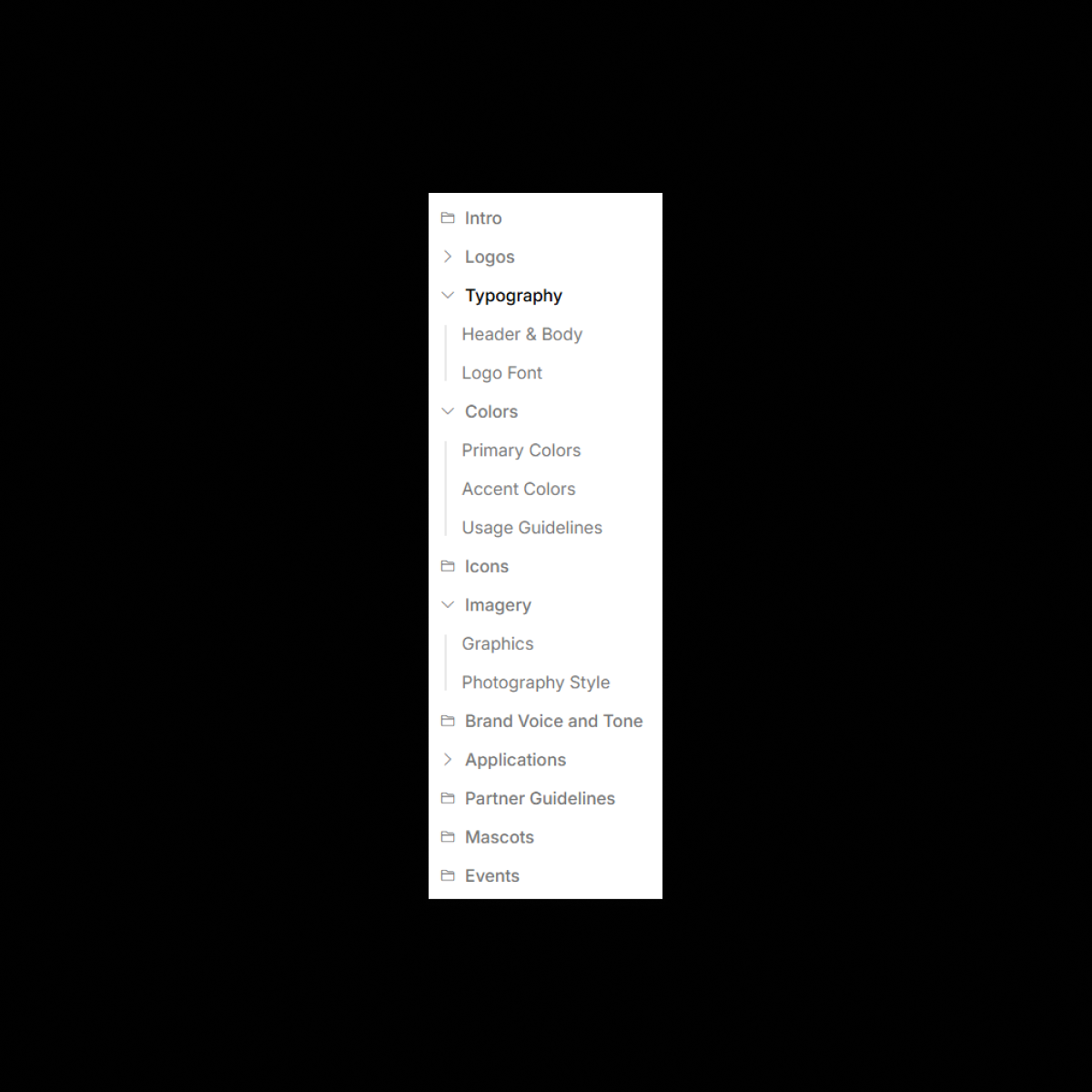
As design systems scale, so does complexity. With Subcollections, UI Vault allows you to nest assets, components, tokens, and styles into hierarchical groupings, making your documentation intuitive, modular, and elegantly structured. Break down large collections—like components, color systems, or icon sets—into logical, named sections, helping teams navigate faster, find exactly what they need, and stay aligned. Whether you’re managing core, shared, and brand-specific tokens, or breaking components into UI types, platforms, or states, Subcollections bring clarity to scale.
The Benefits
Unlock the full benefits of this feature.
01
Hierarchical Asset Structure
Create nested collections within any category—group typography by platform, icons by theme, or components by UI pattern.
02
Improved Navigation & UX
Enable teams to drill down into organized folders, reducing clutter and speeding up onboarding, search, and handoff.
03
Perfect for Multi-Brand & Large Systems
Divide assets by brands, platforms, product lines, or teams while keeping everything under one unified structure.
The Impact
Turn Chaos Into Cohesion
Subcollections give your design system depth, order, and discoverability—so every asset has its place, and everyone knows where to find it.
Common Use Cases
Designers
Structure your design system by intent, platform, or component type for faster navigation and clearer documentation.
Developers
Quickly locate the right asset within a logical hierarchy, whether it’s a mobile button, desktop input, or global token.
Product Managers
Understand how your design system scales across features, platforms, or business units, all from a clean, organized view.
Enterprises
Enable multi-team collaboration by organizing assets into brand-specific or department-specific subcollections—with permission control and consistency.
Why UI Vault?
Because real design systems don’t live in one flat list. Subcollections let you organize with intent, scale with confidence, and onboard without confusion.
Nested Collections for Structure
Create folders within folders to reflect how your team works—by pattern, by platform, by brand.
Figma-Synced and Grouped
Faster Discovery & Handoff
Get designers and developers to the right asset in fewer clicks, improving speed and reducing errors.
Perfect for Agencies and Multi-Brand Teams
Organize assets by client, brand, or campaign with clarity, speed, and separation—while keeping everything in one vault.