Design system
software for teams
Bricolage Grotesque 700, 68 / 73 Sync your Figma components, colors and text styles into one shareable style guide. Manage every design system you run from a single account.
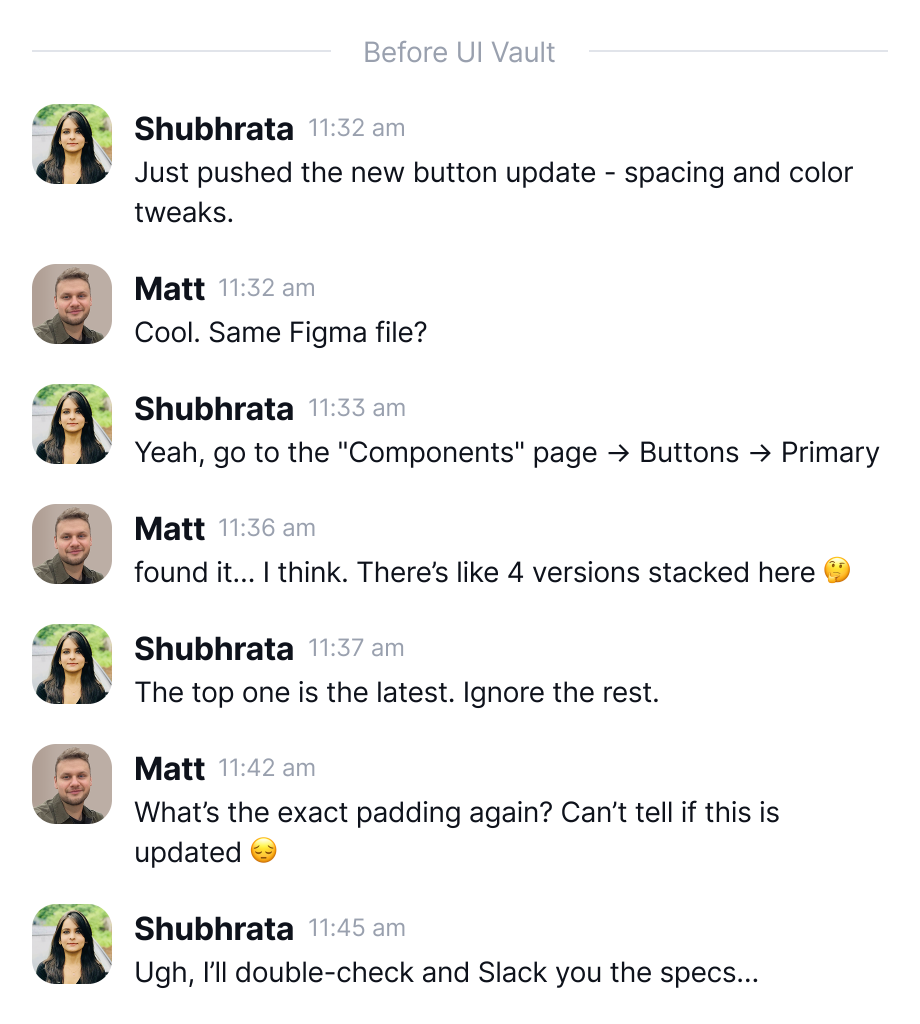
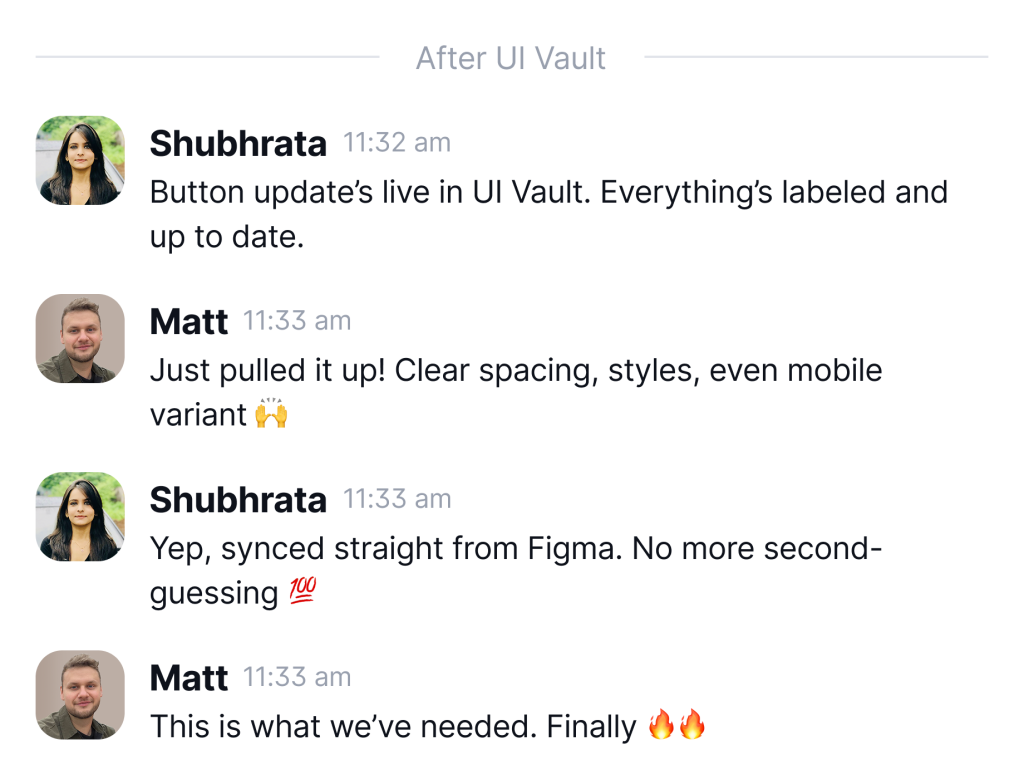
From scattered Figma files to one source of truth
UI Vault turns frames, components, colors and text styles into organized style guides, so nobody works from an outdated reference again.
What you get
Built by designers for product teams and agencies. See every feature by plan.
Free forever
The core platform is free for individuals and small teams, so you can build a living style guide from Figma without paying.
Figma sync
Components, text styles, color tokens and logos sync from your Figma files into a structured guide that stays current.
Collaboration
Real-time editing, comments, mentions and shared checklists keep designers and developers working from the same page.
Style guides
Group synced components and styles into collections with documentation, usage notes and previews. No manual uploads.
Bento layouts
Arrange components, tokens and usage notes in grid-based layouts that show hierarchy at a glance.
White label
Use your own logo, favicon, domain and login portal to deliver style guides to clients without mentioning UI Vault.
Who it's for
Product teams, agencies, universities and governments use UI Vault to document their design systems.
Questions, answered
Can't find yours? Contact us.
What is UI Vault?
It allows you to pull in components, text styles, colors, and tokens directly from your Figma libraries and organize them into beautiful, structured, collaborative style guides. With support for multi-brand systems, markdown blocks, role-based permissions, live collaboration, and white-labeling, UI Vault replaces static PDFs and siloed files with a living, scalable source of truth.
Whether you’re a solo designer, an agency, or an enterprise team, UI Vault helps you turn your design system into something discoverable, centralized, and actionable, by anyone, anywhere.
What is design system documentation and design system software?
In UI Vault, design system documentation is live, interactive, and connected to your Figma source of truth. Modern teams use design system software, like UI Vault, to automate, organize, and share this documentation in a way that’s always up to date, beautifully presented, and easy to access.
Who is UI Vault for?
Whether you’re building a design system from scratch or managing a mature multi-brand operation, UI Vault is ideal for:
- Designers who want to sync Figma components and styles into a structured, visually rich guide without manual effort.
- Developers who need clear, up-to-date documentation of design tokens, specs, and components, ready for implementation.
- Product managers who oversee multiple teams or initiatives and want centralized, branded, accessible documentation.
- Agencies managing style guides across multiple clients or projects with white-label needs and custom branding.
- Enterprises operating at scale with complex permissions, multiple brands, and internal governance standards.
UI Vault is for anyone tired of static PDFs, broken links, and outdated documentation, and ready for a living design system platform that evolves with your product.
How does billing work?
How is UI Vault different from its sister product Brandy?
UI Vault pulls in Figma components, text styles, and color tokens and organizes them into interactive, editable, and shareable style guides. It’s purpose-built for documenting design systems, tokens, and component libraries.
Brandy is for storing, tagging, and managing logos, fonts, brand videos, marketing materials, and other creative assets, great for marketers, designers, and agencies managing files outside Figma.
In short: Brandy is your vault of brand assets, while UI Vault is your living design system linked to Figma.
What does UI Vault sync from Figma?
- Components (with variants, nested layers, and naming structure)
- Text styles (including font family, size, weight, line height, letter spacing, and responsive behavior)
- Color styles and tokens (organized by name and usage context)
- Design tokens (soon: spacing, radii, shadows, etc.)
- Logo components (auto-detected and displayed with download options)
- Frame previews for hero sections, illustrations, UI patterns, and more
The sync is automatic, fast, and keeps your documentation always up to date with what’s in Figma, no copy/pasting, no duplicating.
Can I use UI Vault without Figma?
Is UI Vault free?
Can enterprises use UI Vault?
Can agencies use UI Vault?
Can product managers and teams use UI Vault?
Can Dribbble or freelance designers use UI Vault?


UI Vault is backed by the Adobe Fund for Design, a $10 million Adobe initiative supporting teams building new design tools.